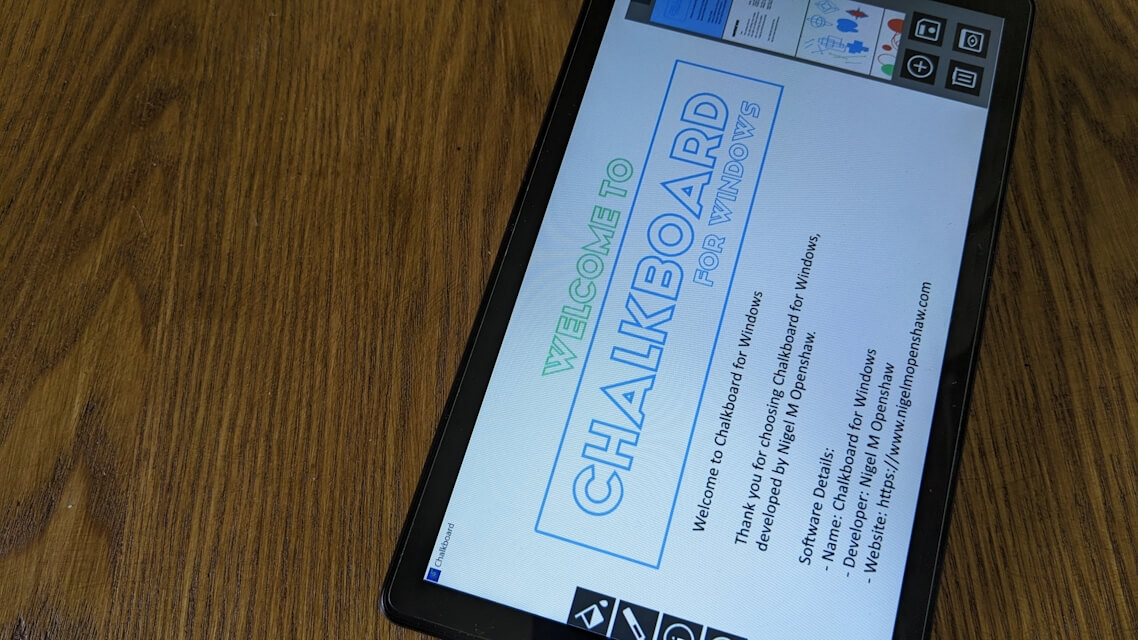
Free Digital Whiteboard for Windows 10 & 11
The Ultimate Freehand Whiteboard Experience for Windows PC & Touchscreens!


A Realistic Chalkboard Experience for PC
Draw Freely
Effortless Notes
Presentation Ready
Chalkboard for Windows is a streamlined digital canvas, uniquely optimized for instant productivity and creative expression, providing a fluid, distraction-free environment with a fast, intuitive interface and faithful chalkboard feel—perfect for sketching projects, teaching concepts, or capturing quick brainstorms.
Completely Ad-Free!
Avg Rating: 4.0 / 18
Download on Softpedia!High-Performance Stylus & Drawing Engine
Built with a high-performance rendering engine, Chalkboard delivers professional visual quality with every stroke. The software balances the nostalgic feel of a classic chalkboard with modern digital precision.
- Silky-Smooth Rendering: Integrated anti-aliasing ensures clean, sharp lines for a professional finish.
- Realistic Textures: Real-time alpha blending creates a natural, layered effect that mimics authentic chalk on a board.
- Complete Toolkit: Seamlessly switch between pencil, brush, and marker tools to achieve the exact look your project requires.
Distraction-Free Design & Tools
The interface is minimal by design, staying out of your way so you can focus on your ideas without distraction.
- Dynamic Geometry: Quickly generate perfect ovals, rectangles, and diamonds for structured diagrams and professional layouts.
- Rapid Color Palettes: Access a variety of "chalk" colors and adjustable pen widths to highlight and organize your thoughts effectively.
- Smart Typography: Insert and format crisp digital text anywhere on your board to label, annotate, or add detail to your designs.
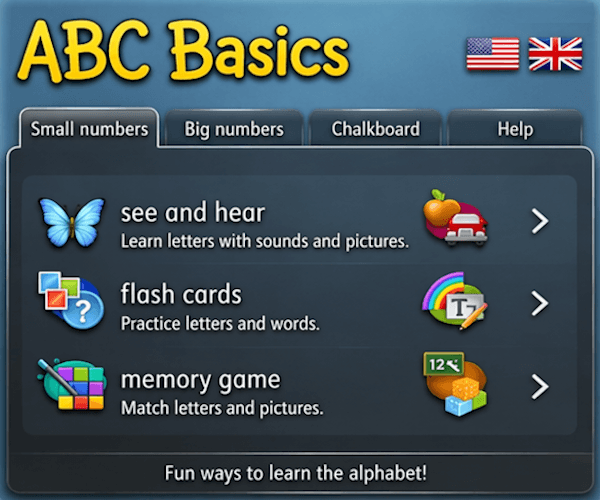
ABC Basics was the origin for where interactive games make learning fun
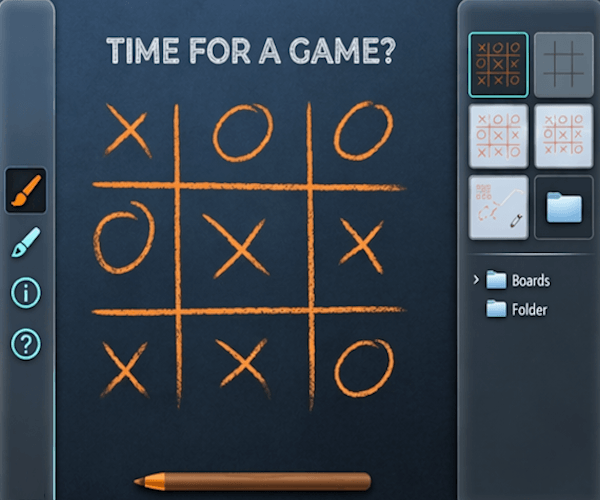
More than just a office App—practice handwriting, doodle, or play a game
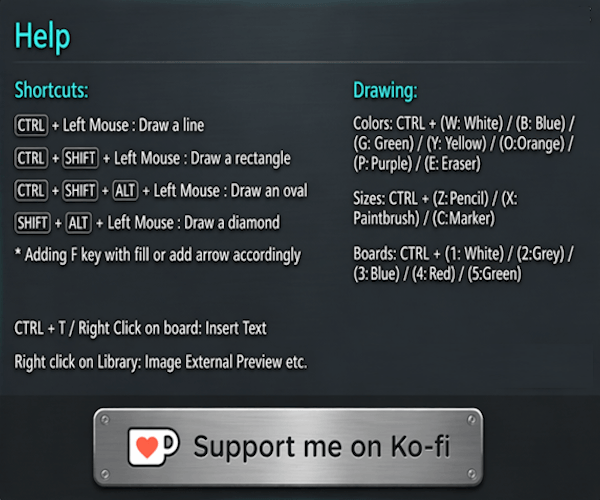
Master the app like a pro by utilizing these quick keyboard shortcuts for seamless drawing and navigation
Organized, Integrated, and Performance-Driven
Beyond simple sketching, Chalkboard for Windows offers a robust system for managing your creative workflow. Unlike traditional whiteboard apps that clutter your desktop, we focus on a "less is more" philosophy that prioritizes your content over complex menus.
- Visual Board Library: Archive and browse your creative history through an integrated gallery. Manage multiple boards with ease and revisit past ideas in seconds.
- External Refinement: Need to finalize a design? Effortlessly bridge your work to external image editors for final production or detailed touch-ups.
- Optimized for Windows: A lightweight, offline utility that launches instantly and respects your system resources. Whether you are using a mouse or a high-precision stylus, the app feels native and responsive.
It is the perfect balance of classic simplicity and modern digital power. From educational tutorials to professional wireframing, Chalkboard for Windows is ready to help you create without limits.
Start Sketching Today (Free Download)
Experience the most fluid digital drawing tool for Windows. No subscriptions, no ads—just pure creativity.
Download on Softpedia!Note on Ratings: Our average rating is a combined score across global platforms including Amazon, Goodreads, and Google Play etc. This ensures you see the full picture of reader feedback from every corner of the world.